FE annotation
In this walkthrough, you'll open a sentence, choose the lexical unit (LU) that matches the meaning of usados, and label fora deste contexto with a frame element (FE). Sign in with an account that has access to corpus annotation. The projects you see depend on your assignments.
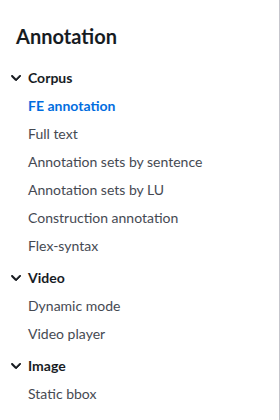
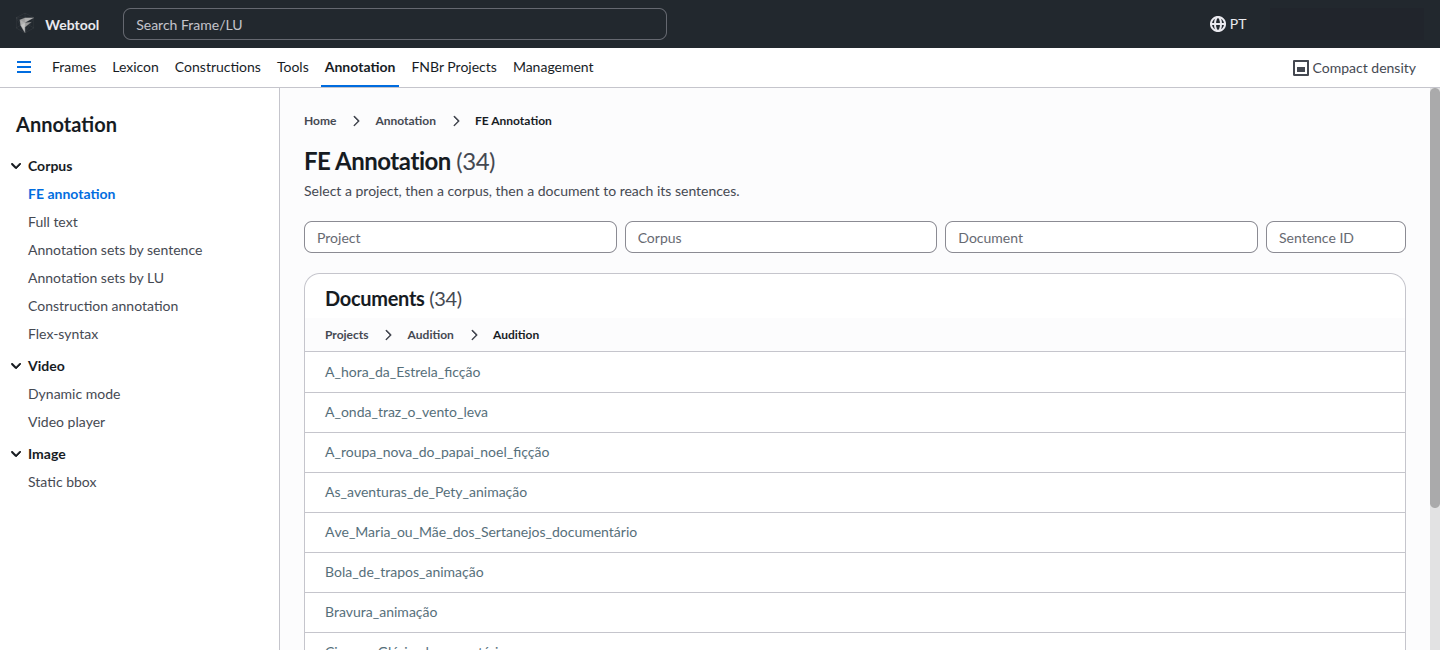
Open FE annotation#
1. Click Annotation in the top navigation.

2. In the left menu, under Corpus, click FE annotation. The Annotation module may already have opened this page for you. If Corpus is collapsed, click its heading first.
Find the sentence#
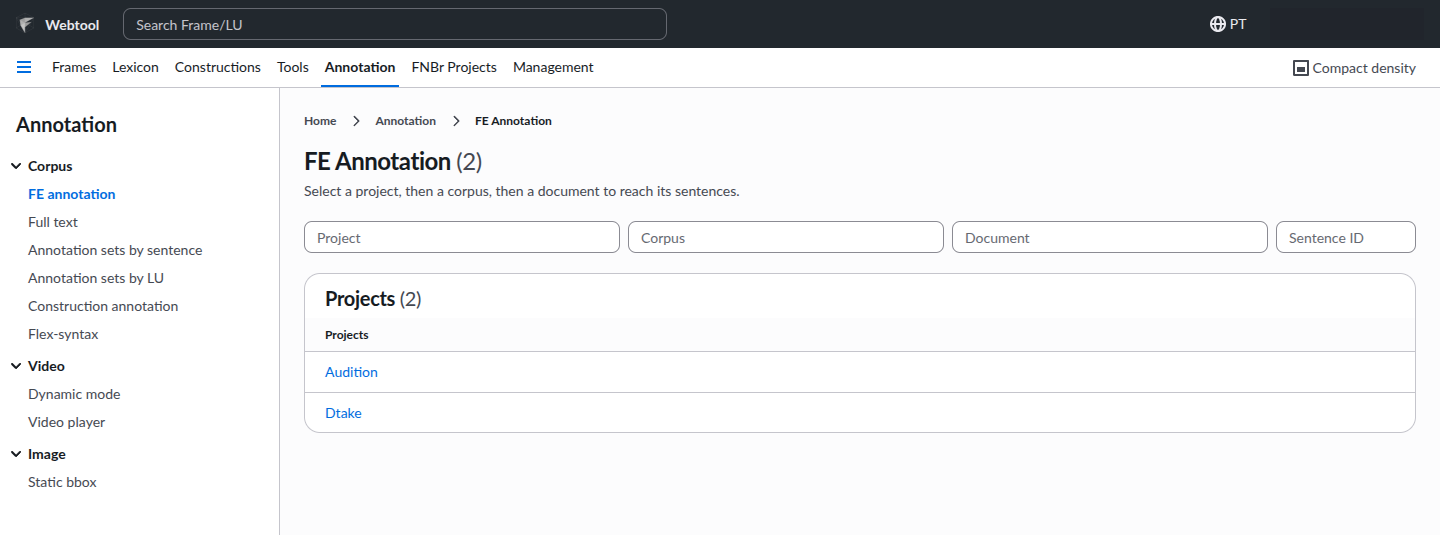
3. In Projects, click Audition. Webtool shows the corpora for that project.
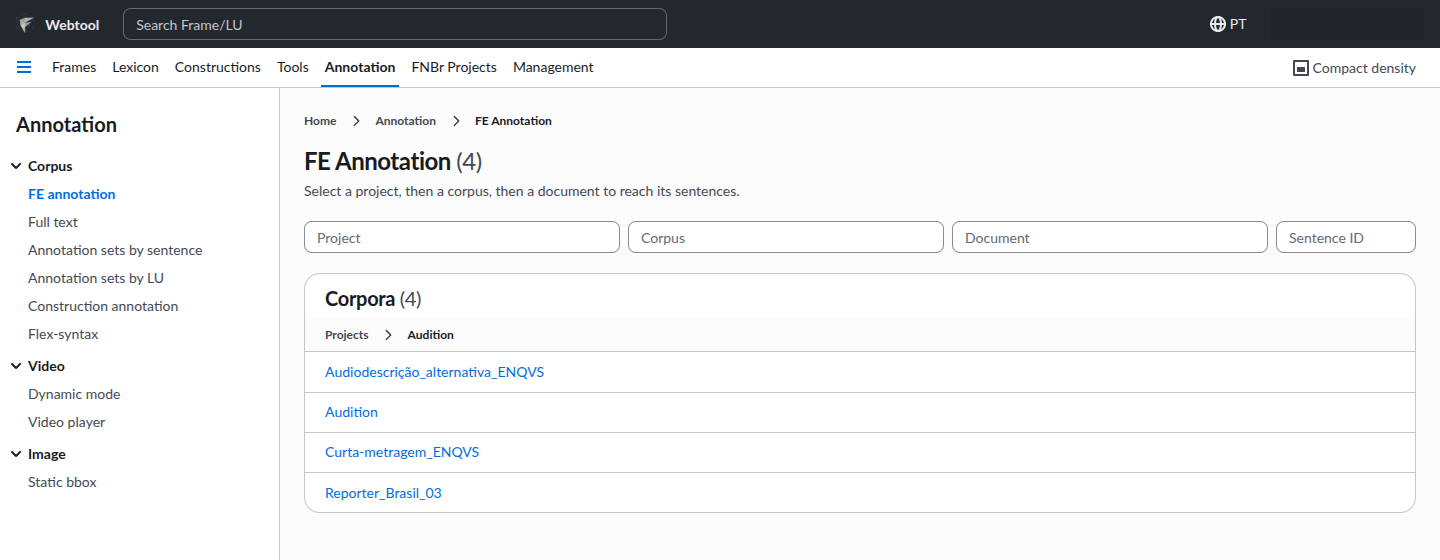
4. In Corpora, click Audition. In this example, the project and the corpus have the same name. This second click opens the corpus's documents.
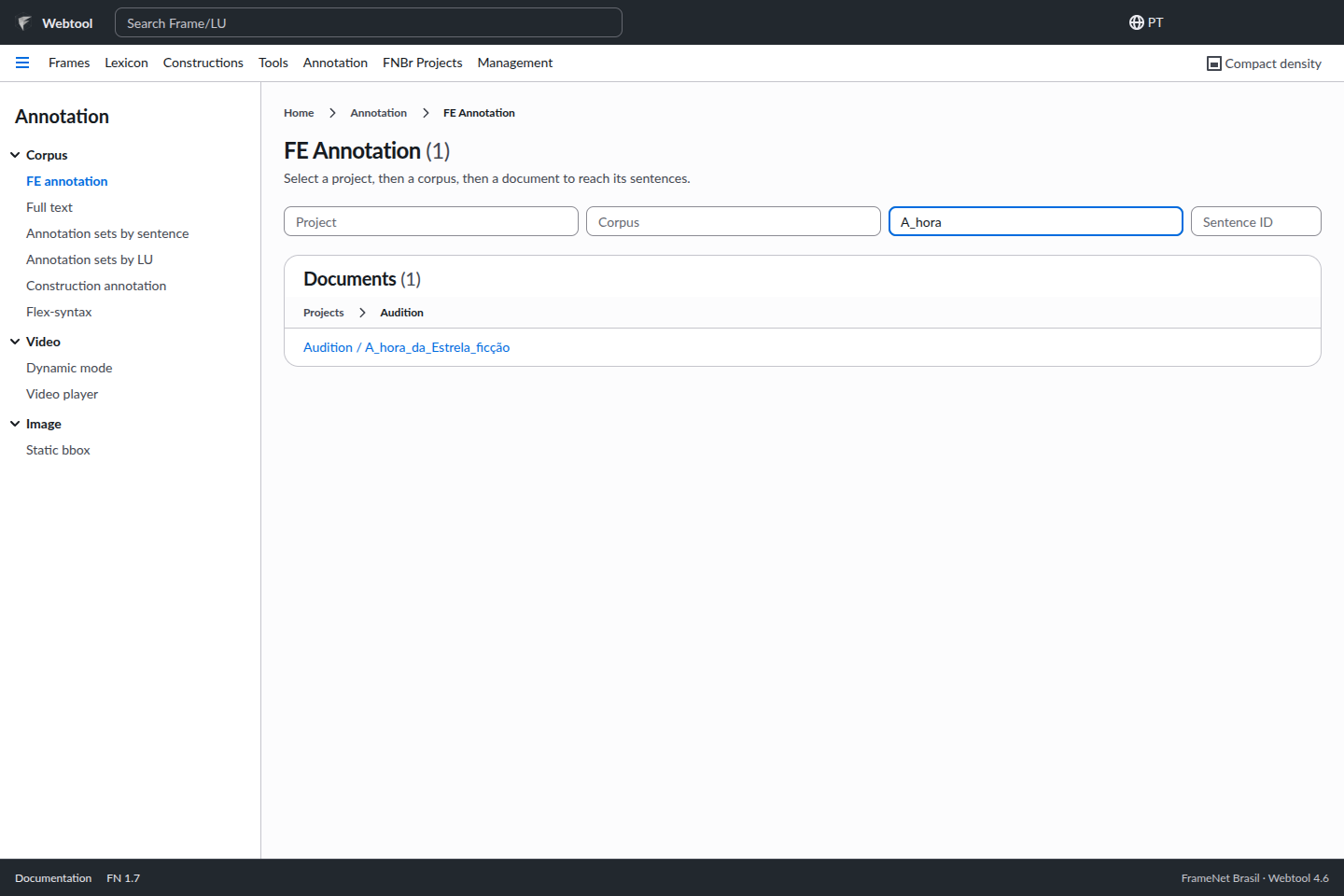
5. Type A_hora in Search document. Wait for the Documents list to narrow
as you type.
6. Click the result ending in A_hora_da_Estrela_ficção. Webtool shows the
sentences in that document.
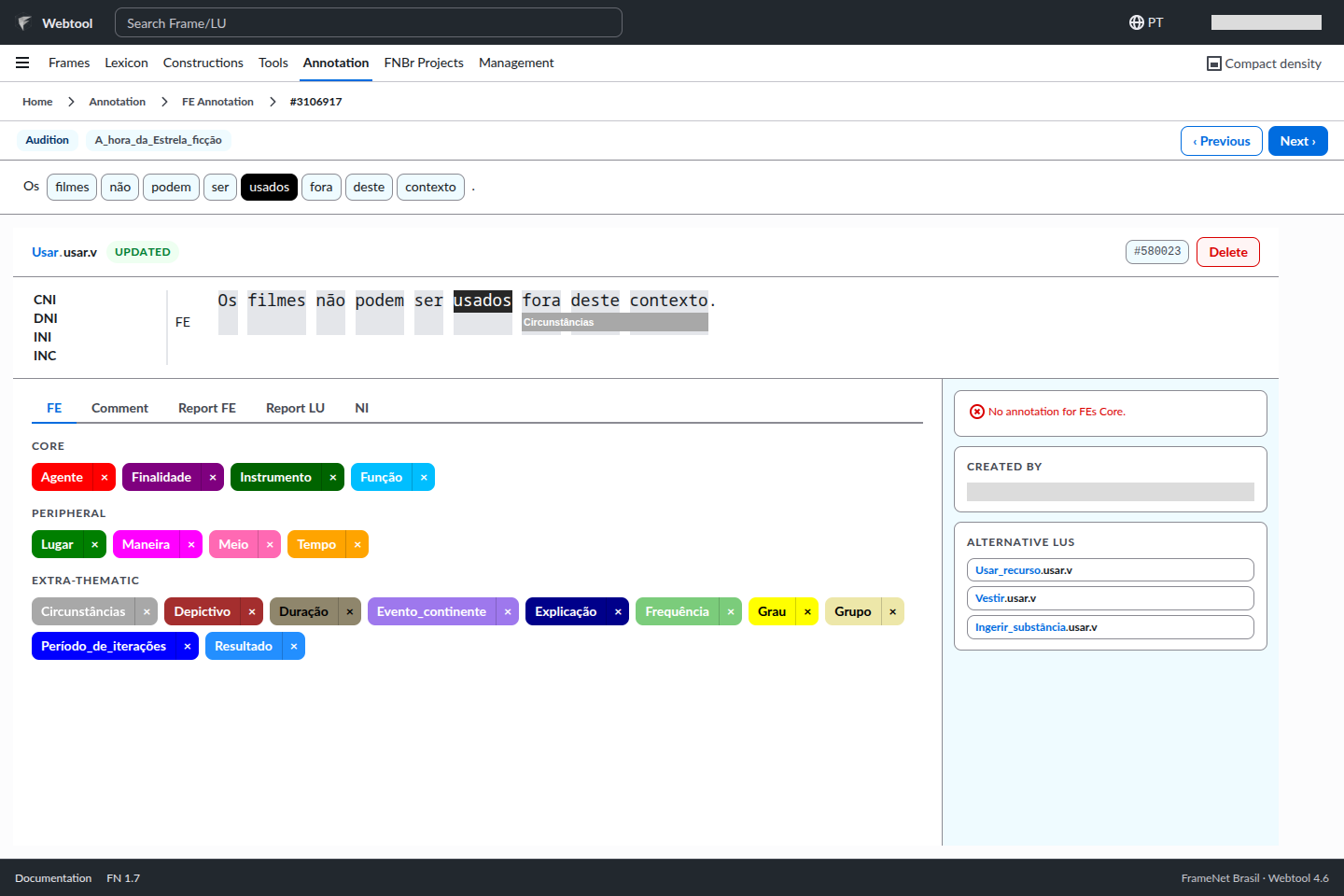
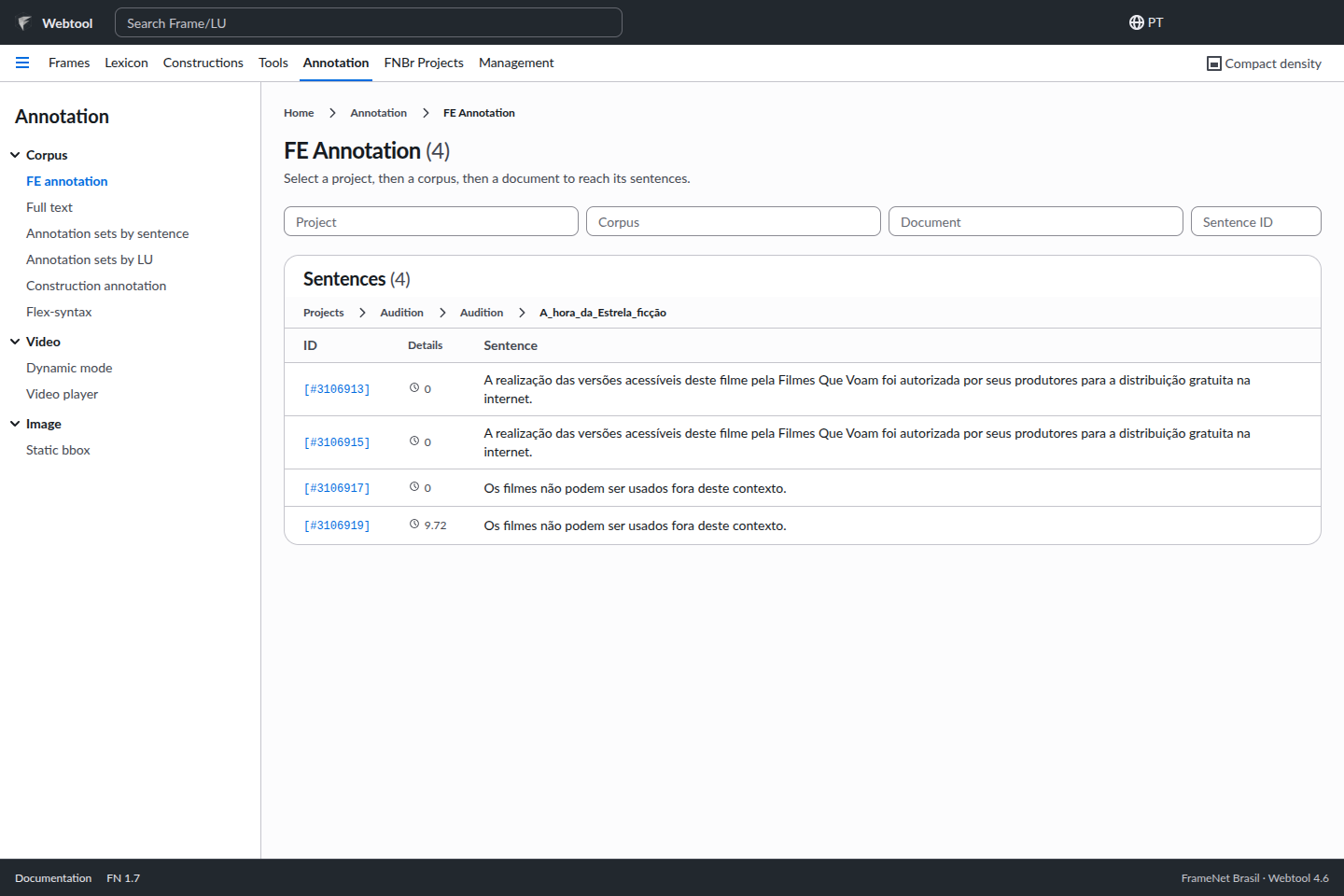
7. Click the sentence ID [#3106917] beside Os filmes não podem ser usados
fora deste contexto. The annotation workspace opens in a new tab.
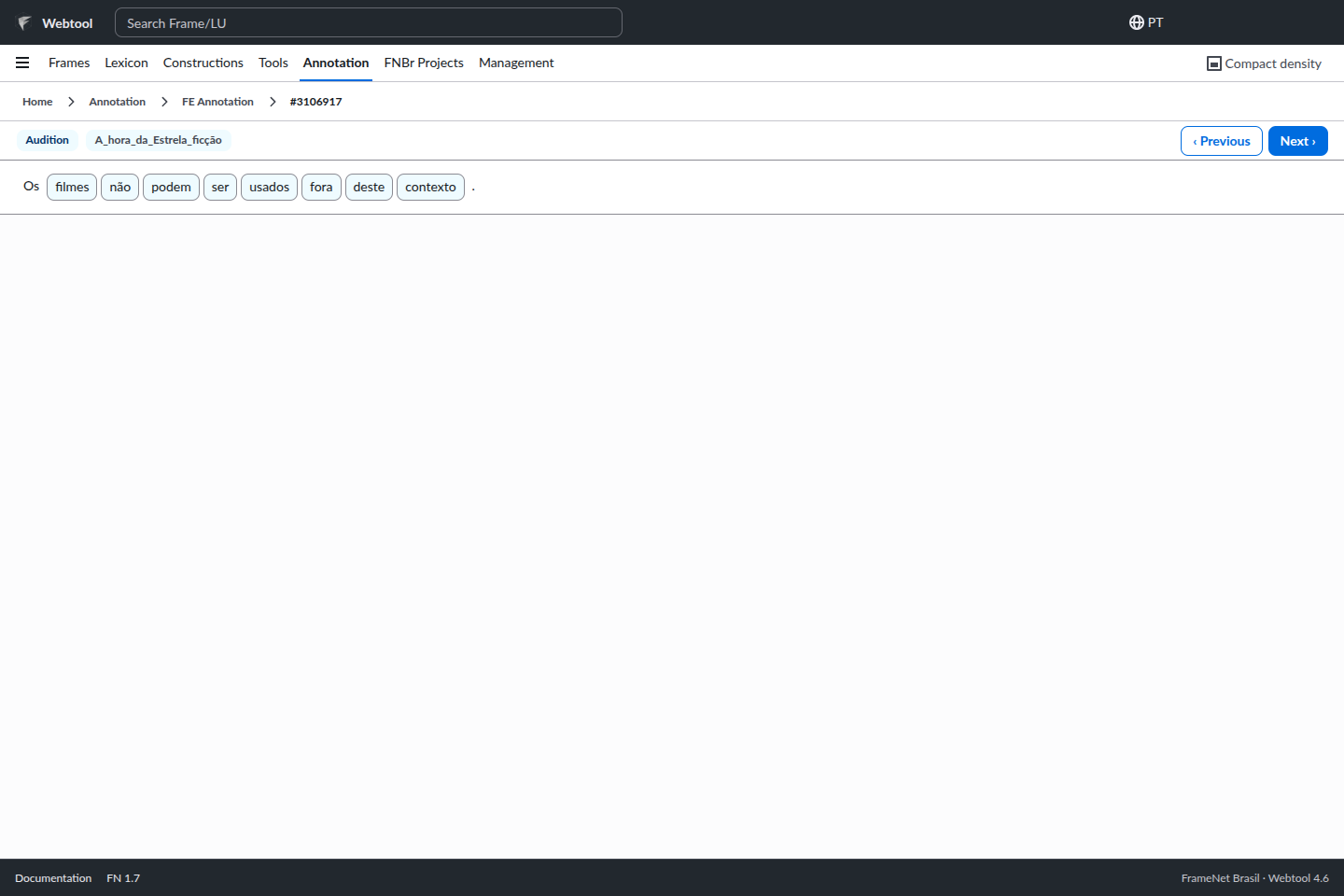
Choose the lexical unit#
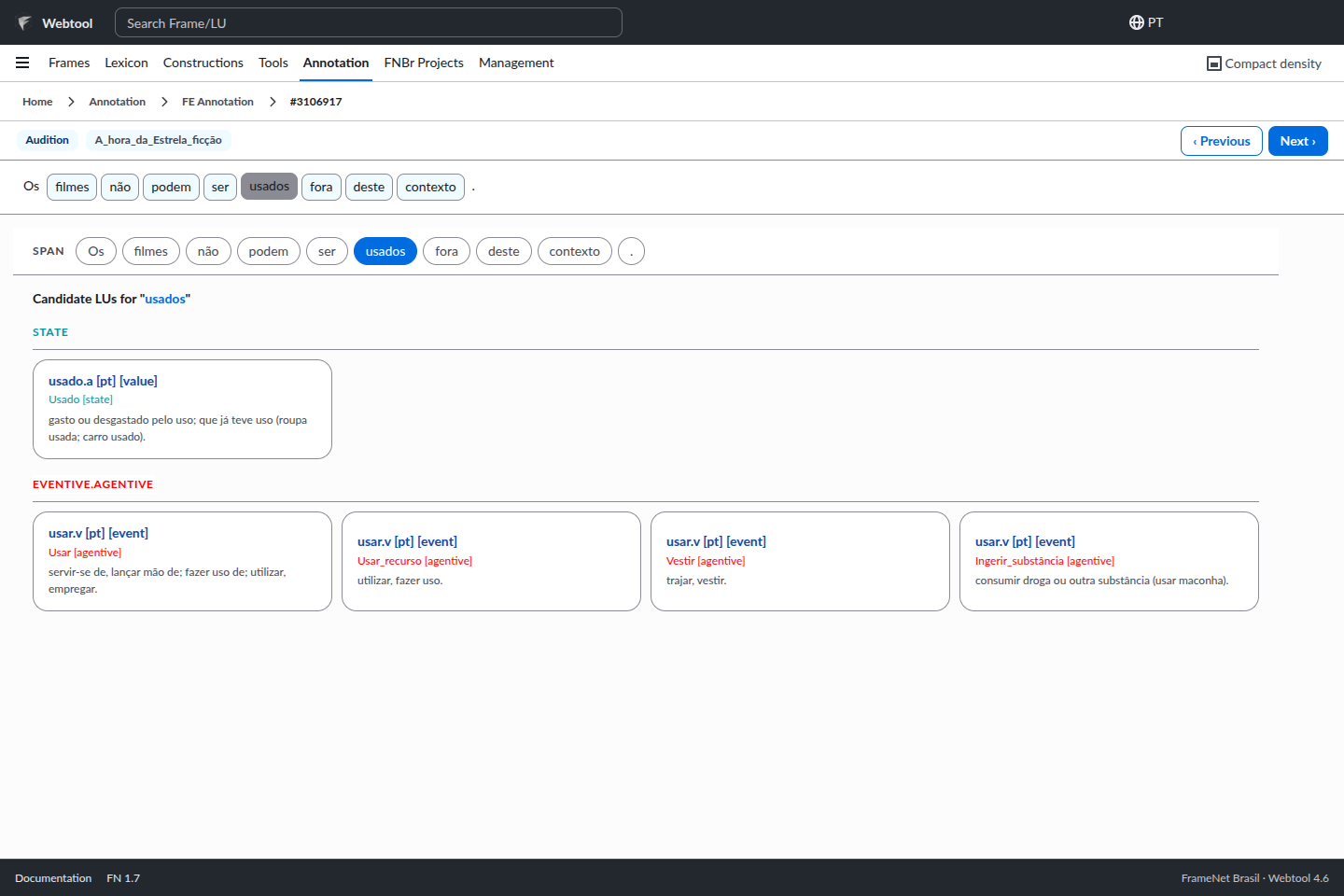
8. Click usados in the sentence at the top of the workspace. Webtool shows candidate LUs. The Span row already has usados checked, which is the whole LU target in this example.
9. Click the usar.v card for the Usar frame. Use the frame name and the sense description to distinguish it from the other cards for usar.v. Clicking the card creates the annotation set and opens its FE editor.
Label a frame element#
10. In the sentence row inside the annotation set, drag from the start of fora to the end of contexto. Select fora deste contexto, without the final period. Use the sentence row above the FE labels, not the token buttons at the top of the page.
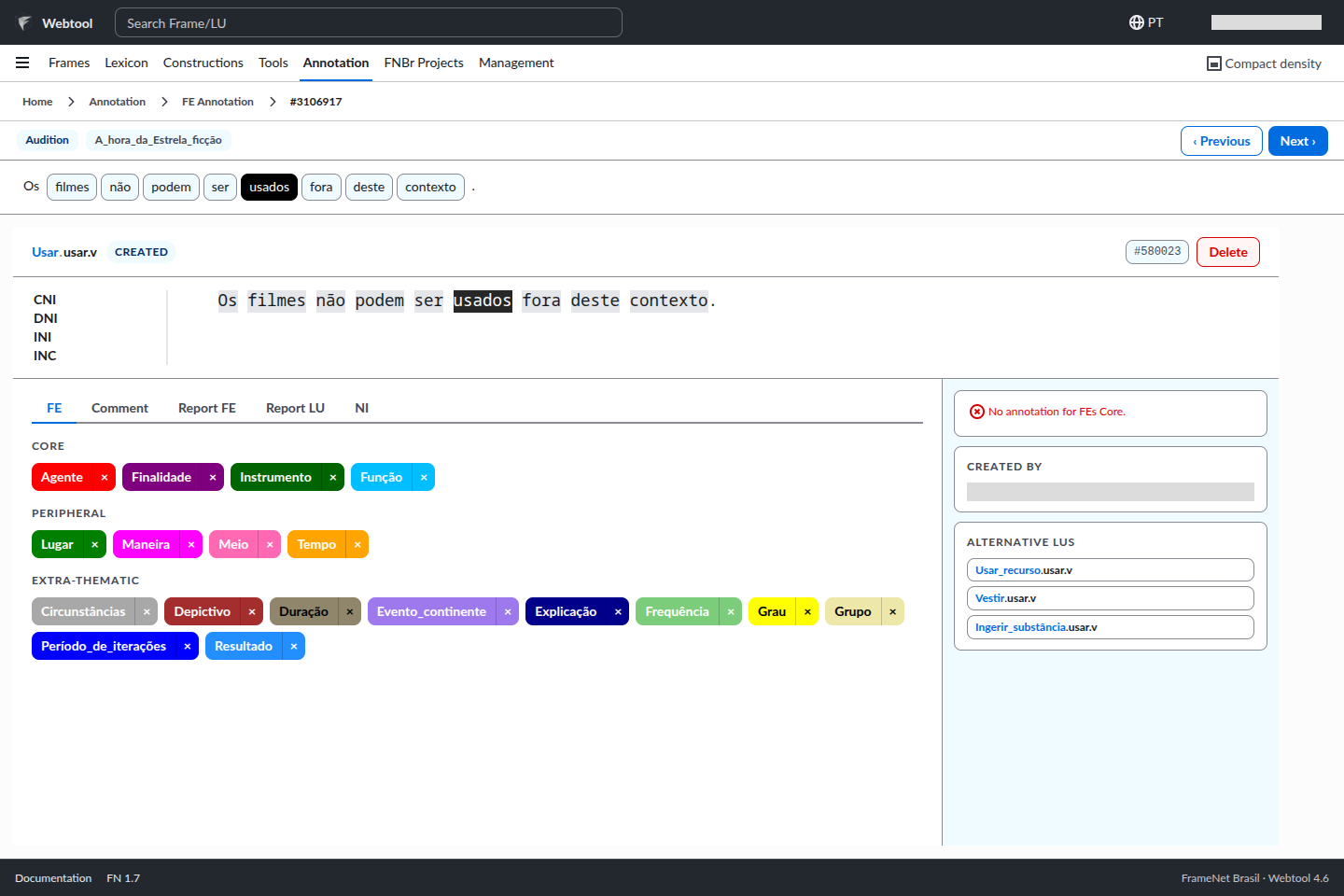
11. Under Extra-thematic, click Circunstâncias. Click the label name, not the × next to it. Webtool saves the label when you click; there is no separate Save button for this action.
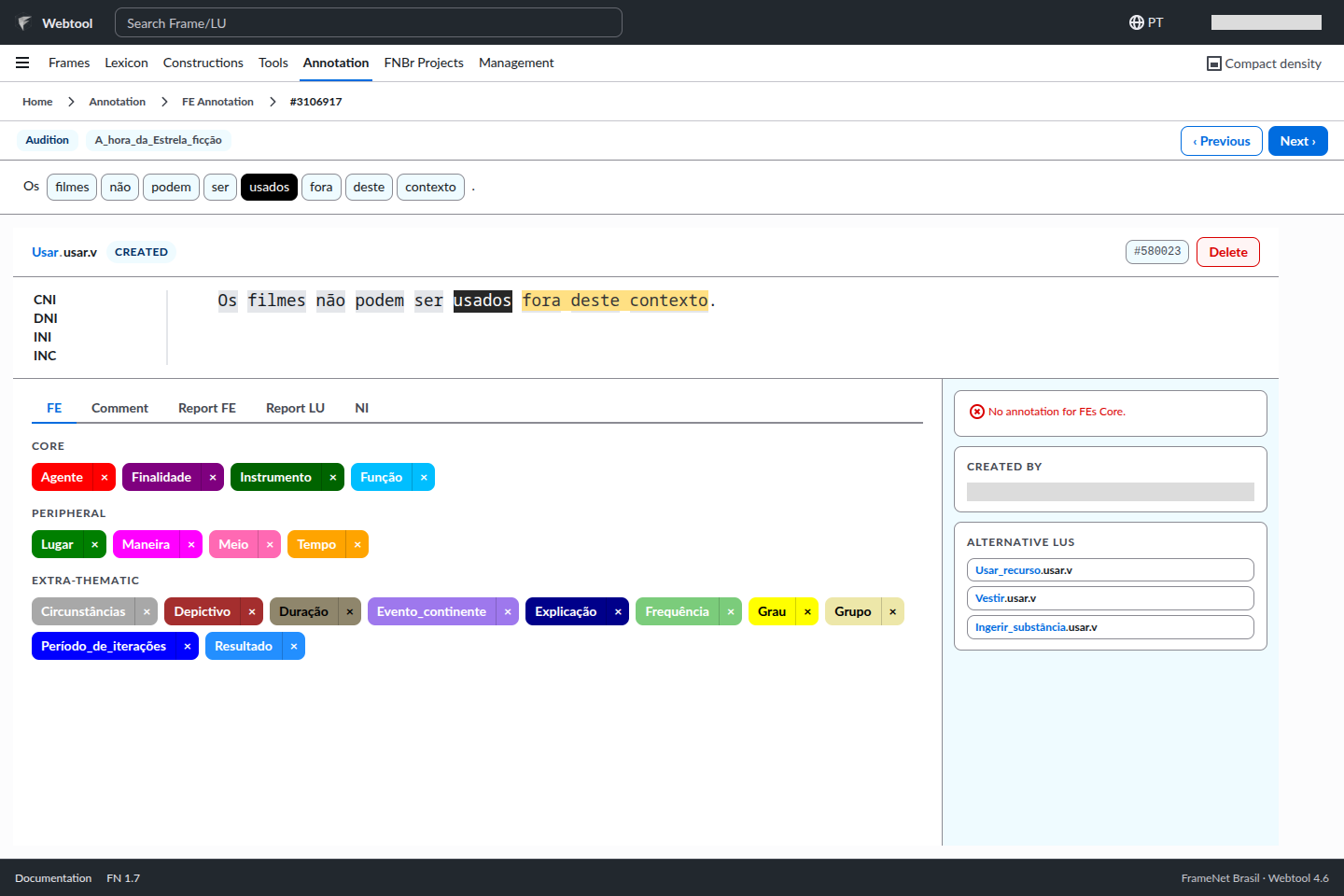
12. Check that Circunstâncias appears directly beneath fora deste contexto. The label should cover those three words. This confirms that one FE was labeled; it does not mean the whole annotation set is complete.